Free download, served by github.com. No sign-up, no payment.
Have questions? Contact us →Overview
OpenPlan Work is the business workspace behind openplan.work, free to download and run on your own server or computer. One login covers projects and tasks, clients and invoices, money and stock, notes and a knowledge base, habits and focus tools, plus an AI assistant that does the busywork for you.
Your data is stored in encrypted files on your own server. There is no database to set up and no monthly fee, and you never have to hand your data to anyone else.
It is open source under the AGPL-3.0 licence: you can use it, change it and run it for your own business, including paid client work. If you let other people use a changed version over the internet, you share your changes under the same licence.
Want it installed on your hosting, branded for your business or extended with your own modules? We built it, so we can set it up for you: tap Start a Project below.
What's included
- Projects, tasks, Kanban board and calendar
- Clients (CRM) and multi-currency invoices
- Income, expenses and inventory
- Notes and a searchable knowledge base
- Habits, Pomodoro and water tracker
- AI assistant that acts on plain-English requests
- MCP server with 86 tools for Claude Code, Cursor and more
- Encrypted storage: no database needed
- Open source (AGPL-3.0): full code and documentation
Item details
- Last update
- 16 November 2026
- Published
- 16 November 2026
- Version
- Latest (main)
- Type
- Script / Tool
- Compatibility
- PHP 8.0+
- First release
- March 2026
- Software framework
- None (plain PHP)
- Database
- None (encrypted JSON files)
- Files included
- PHP, JavaScript, CSS, Dart, Markdown docs
- Compatible browsers
- Chrome, Edge, Firefox, Safari
- Layout
- Responsive, with a mobile web app
- Mobile app
- Android (Flutter source included)
- AI providers
- Groq, OpenRouter, Gemini, Ollama
- MCP server
- 86 tools, remote (HTTPS) or local
- Documentation
- Included
- Licence
- AGPL-3.0 (open source)
Projects and tasks
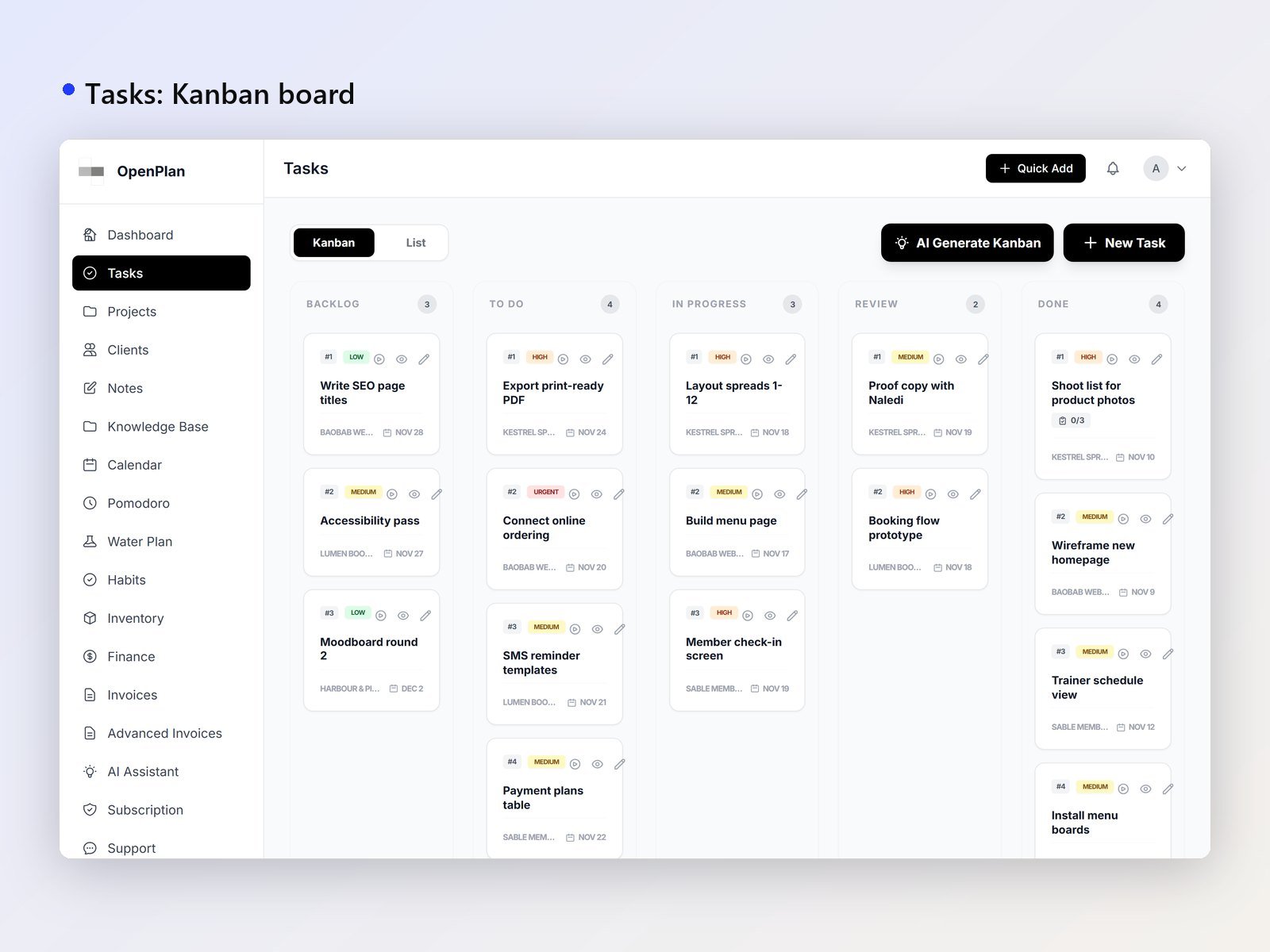
- Tasks with priorities, due dates, statuses and subtasks
- Time tracking and task templates
- Projects with colours, progress and their own task lists
- Kanban board, calendar and meetings
- Quick to-do lists
Clients and money
- Client records (CRM) linked to projects and invoices
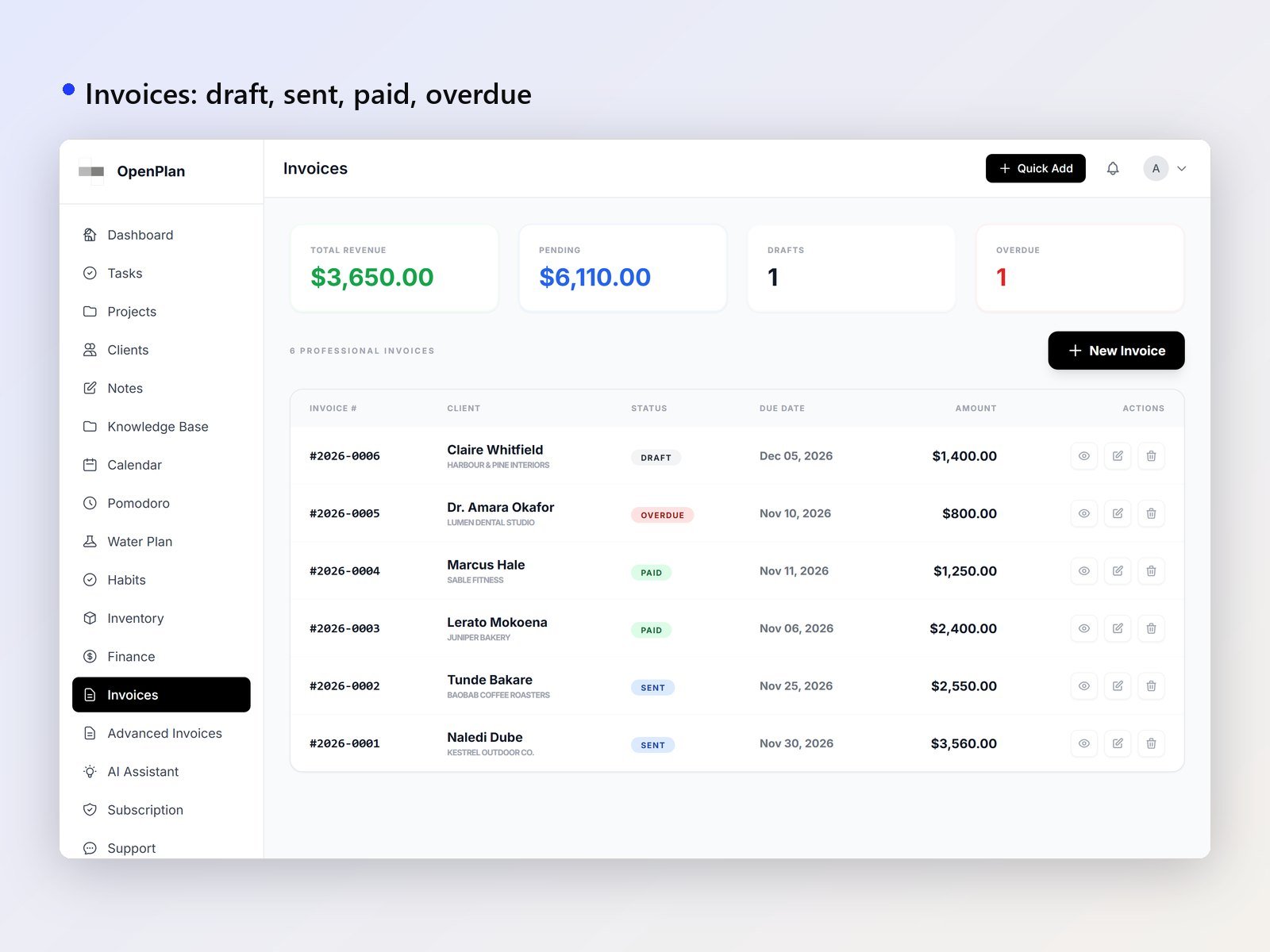
- Invoices and advanced invoices in USD, EUR, GBP and ZAR
- Draft, sent, paid and overdue at a glance
- Income and expenses by category, with a financial summary
- Inventory with stock levels, stock history and links to tasks
AI assistant
Ask in plain English and it does the work: create clients, projects and tasks, write invoices, log income and expenses, and draft notes.
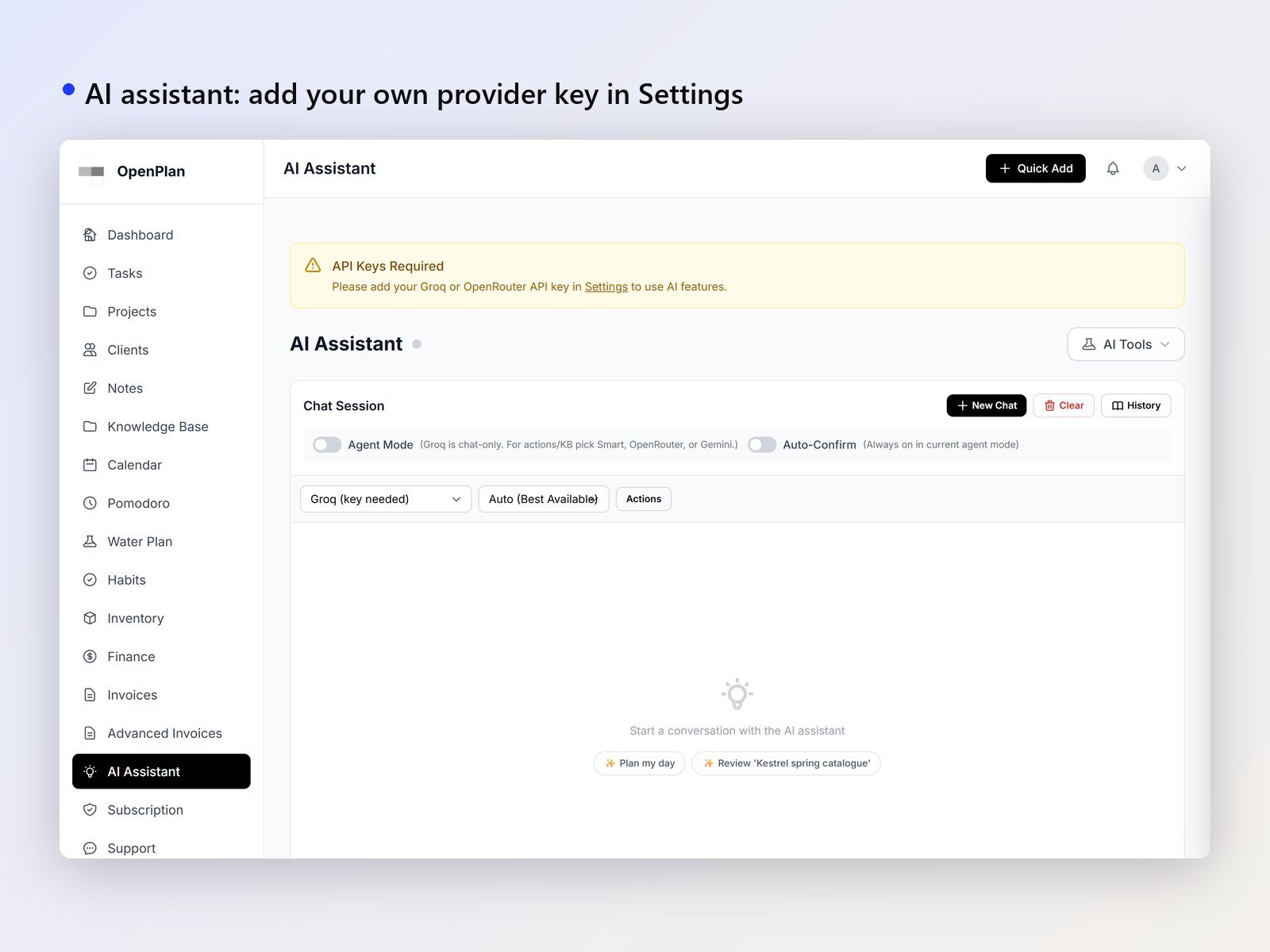
- Agent mode carries out actions; you choose whether to confirm them first
- Groq, OpenRouter (Claude, GPT and more) or Google Gemini with your own key, or a local model with Ollama
- Smart routing: quick chats go to Groq, bigger jobs to OpenRouter
- Reads your knowledge base for context
- Custom instructions and per-model settings
MCP server: let your AI run the workspace
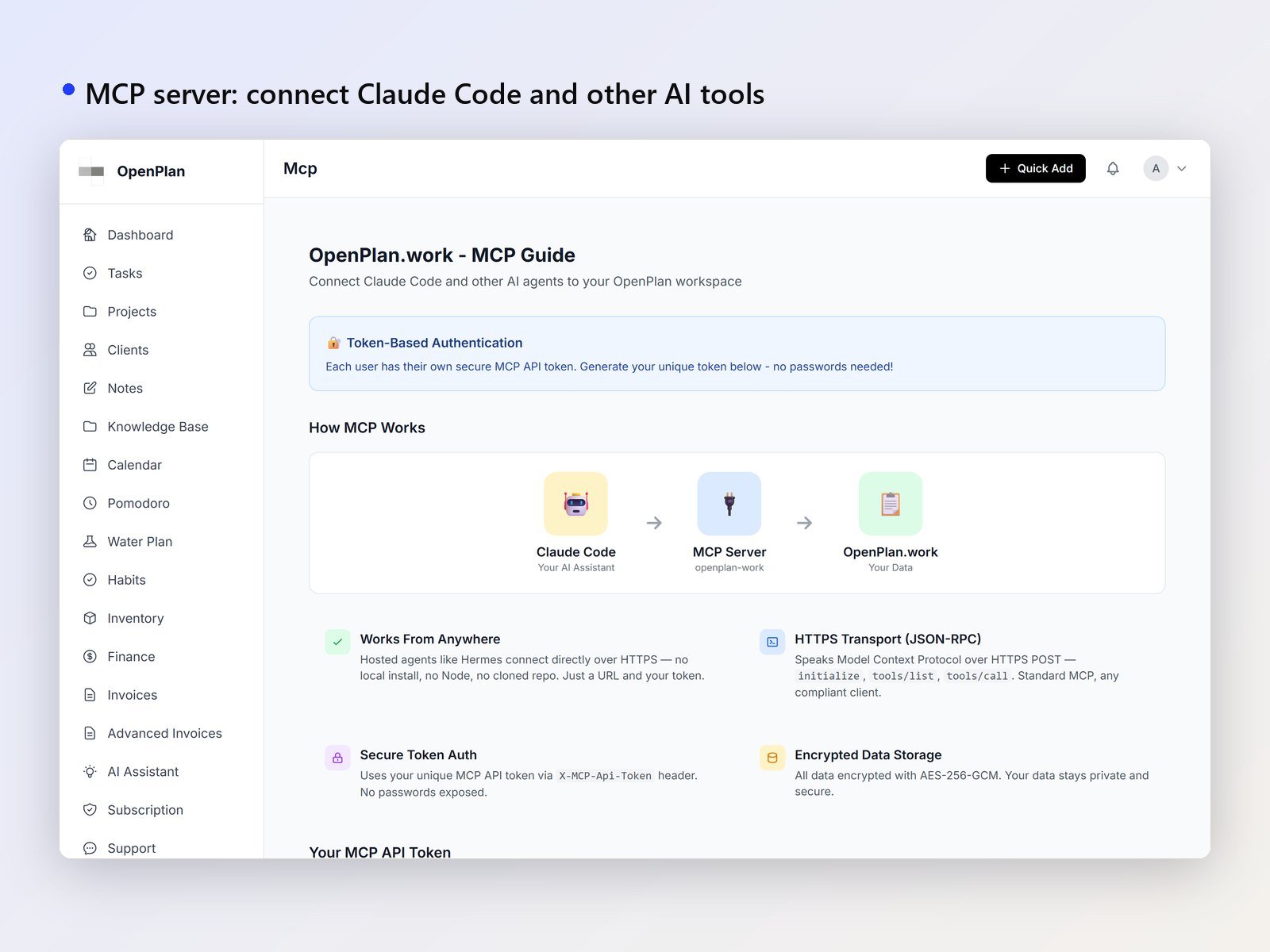
OpenPlan has a built-in Model Context Protocol (MCP) server, so Claude Code, Cursor and other MCP clients can read and update your workspace directly.
- 86 tools: tasks, projects, to-dos, clients, invoices, finance, inventory, meetings, notes, knowledge base, habits and water, plus one search across everything
- Remote: connect over HTTPS with your personal API token. No install, no Node.js
- Local: a Node.js server in
mcp-server/for tools on your own machine - Settings creates your token and a ready-to-paste config
Then just ask: "What's due this week?", "Log a R1,200 hosting expense", "Invoice my last project", "Save these meeting notes to my knowledge base".
Notes and knowledge base
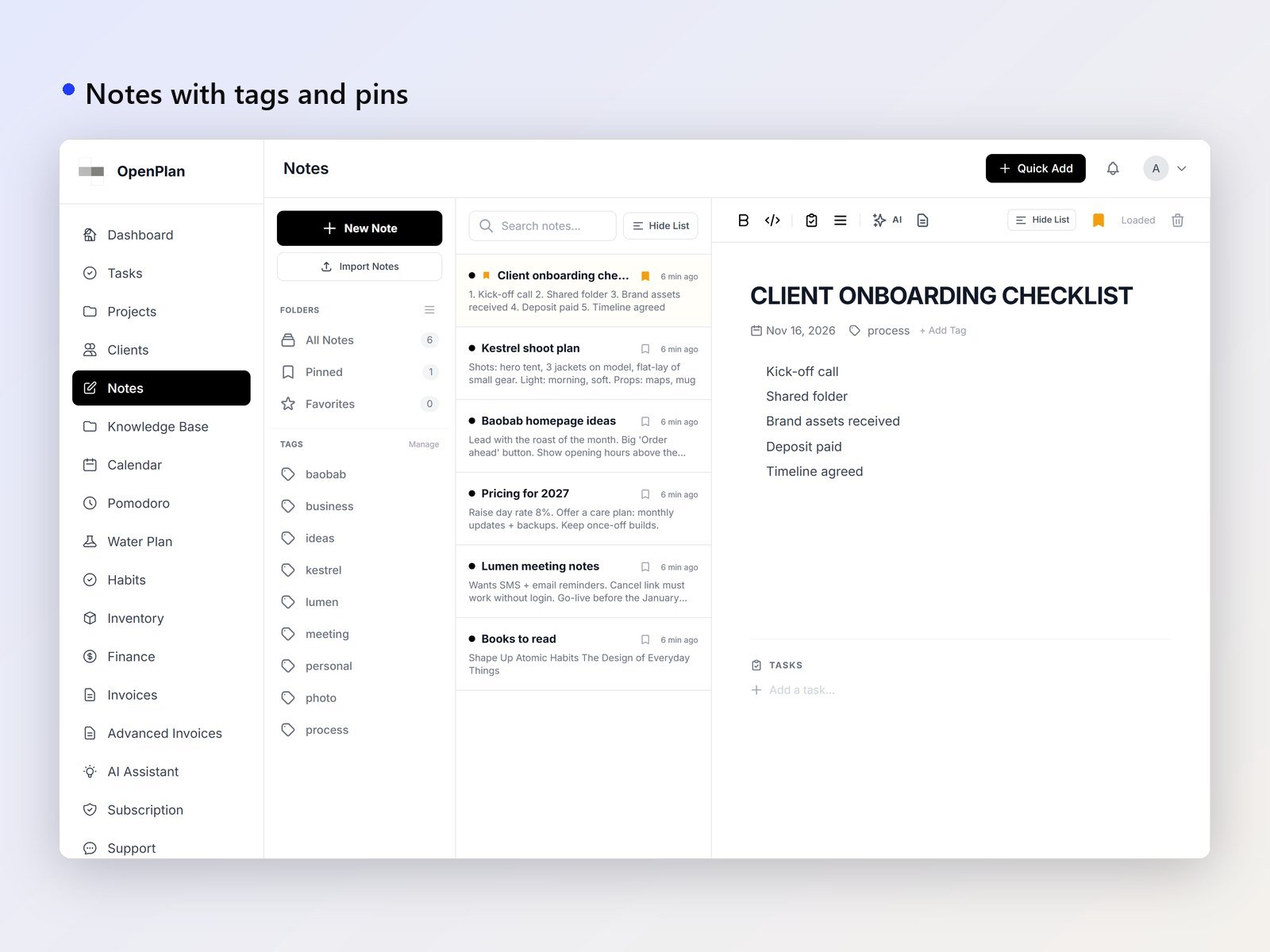
- Notes with tags, pins and favourites
- AI note editing
- Turn any note into a knowledge-base file
- Knowledge base with folders, uploads, batch upload and search
Habits and focus
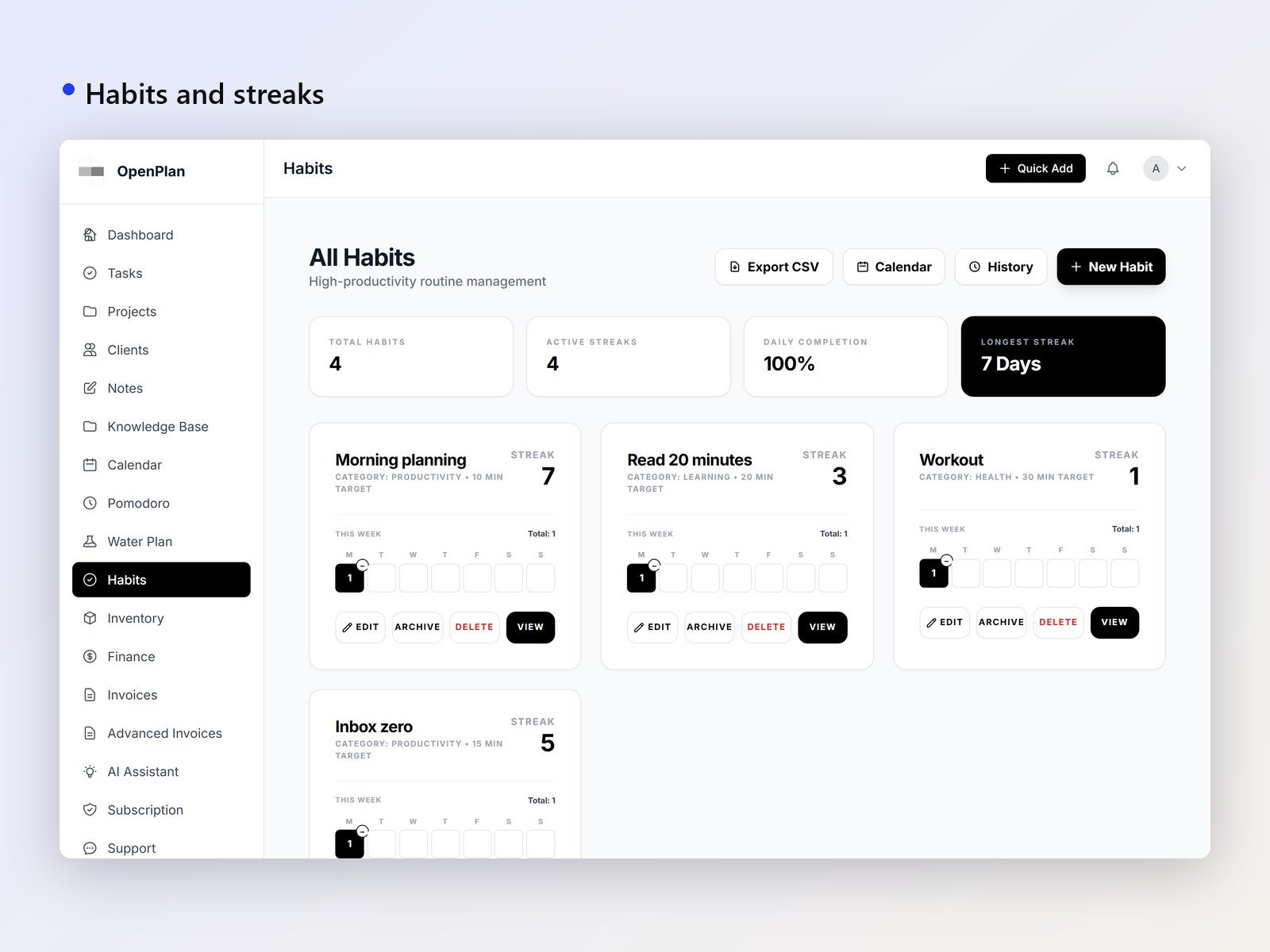
- Habit tracker with timers, streaks, calendar, history and CSV export
- Pomodoro timer with custom durations, focus music and session history
- Water tracker with daily goals and an AI hydration plan
Private by design
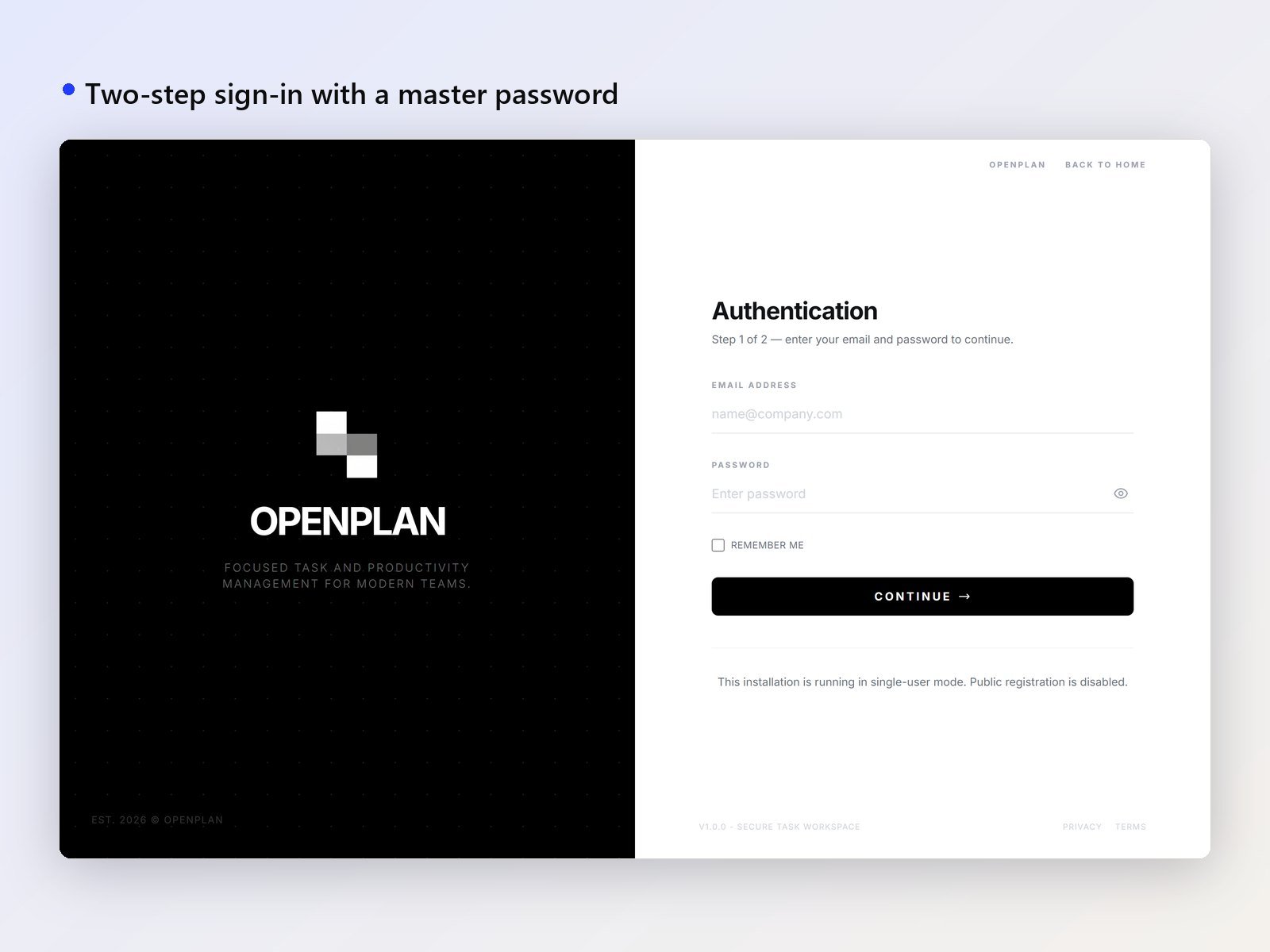
- AES-256-GCM encryption for all stored data, unlocked by your master password
- Flat-file JSON storage: no SQL database
- CSRF protection, bcrypt password hashing, session timeouts and audit logs
- Backups (manual and automatic), restore, import and export
On your phone and with your team
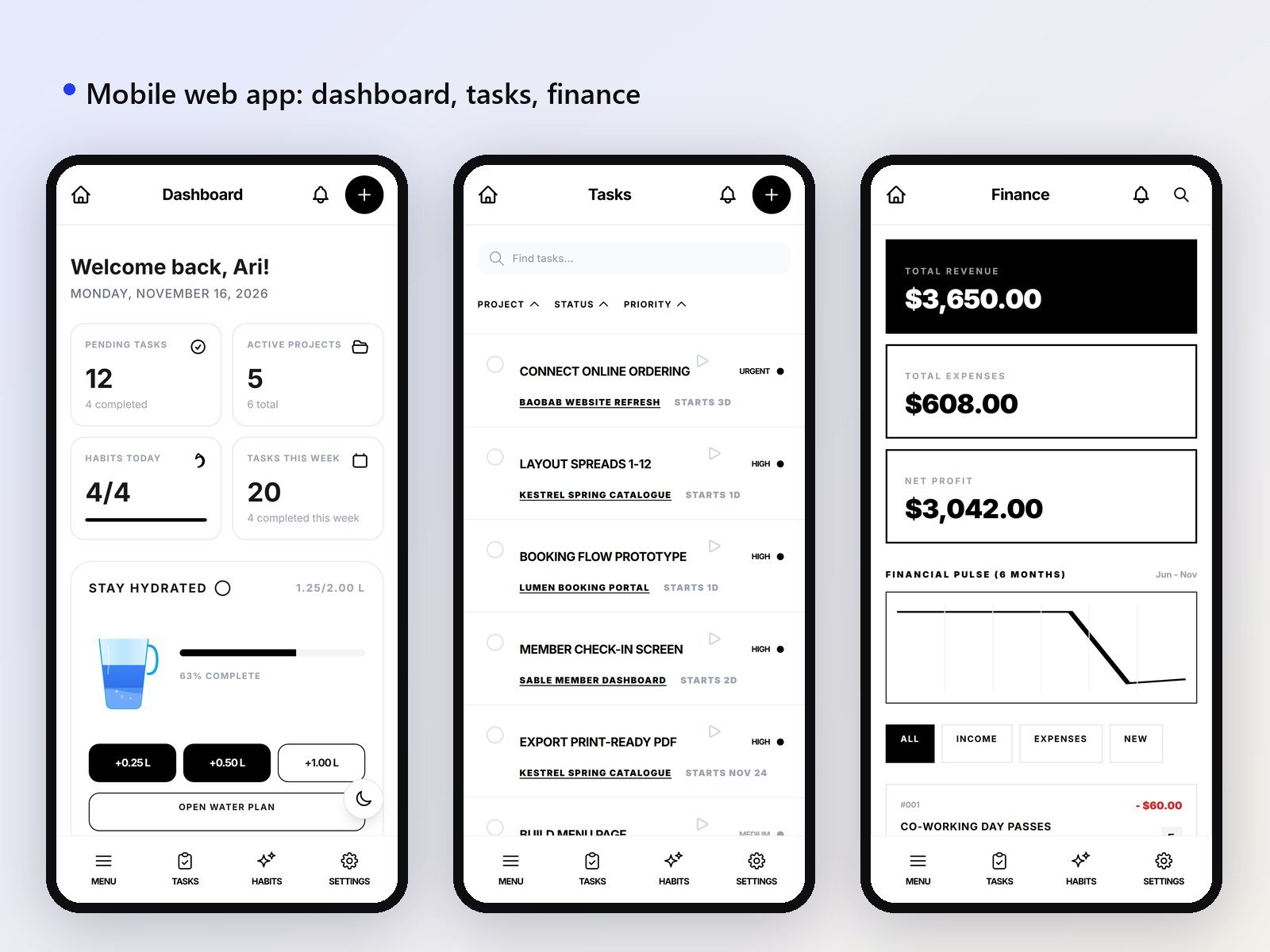
- Mobile web view, plus an Android app
- Flutter app source included
- Multi-user, with an admin hub, audit logs and support tickets
Built with
- PHP 8 with no framework: nothing to install with Composer to run it
- Tailwind CSS and plain JavaScript
- Encrypted JSON files (AES-256-GCM) instead of a database
- Chart.js, SortableJS, Marked, DOMPurify, Mermaid and html2pdf.js, loaded from CDNs
- Flutter (Dart) for the Android app
- Node.js for the optional local MCP server
Server requirements
- PHP 8.0 or newer with the json, mbstring, curl and openssl extensions
- Write access to the
data/folder - No database
- Apache or LiteSpeed recommended: the included
.htaccessrules block web access to the data folder - Nginx works too, but you must block access to
data/andincludes/yourself - HTTPS recommended, especially when AI tools connect over the internet
- Optional: Node.js for the local MCP server, and a Groq, OpenRouter or Gemini key (or Ollama) for the AI assistant
Try it on your own computer first: php start_server.php (or start_server.bat on Windows). A user guide and full documentation are included.
Changelog
- 16 Nov 2026: released under the AGPL-3.0 licence; security fixes; PayFast card checkout with automatic renewal for paid plans
- 15 Nov 2026: new public pages, wide mode for foldable phones, safer attachments
- 24 Oct 2026: Android app 1.1 (uploads, downloads, external links); meetings, support tickets and device sign-in
- 14 Jul 2026: Flutter app adds inventory, invoices, advanced invoices and Pomodoro focus music
- 13 Jul 2026: AI notes suite on web, mobile and Flutter
- 1 May 2026: Google Gemini and Ollama AI providers, habits calendar, habit timers
- 28 Mar 2026: Android app, MCP server, task scheduler, smarter AI agent
- 7 Mar 2026: first public release

Want it tailored to your brand?
Tell us what you need and we'll customise it — or build something new from scratch.